Monthly meeting, two teams, two versions of the story.
Marketing: "Leads are up 40% this month. Cost per lead is down."
Sales: "The leads are bad. Lots of them just ask questions and never buy."
Both could be right. Both could be wrong. The problem is that no data connects the ad click to the money that comes in — so the meeting turns into an argument.
The query "ai for sales and marketing" grew roughly 120% over the past month on Google Trends worldwide. Businesses are realising that AI is most useful not when marketing and sales use it separately, but when it connects the two.
Where the lead trail usually breaks
A typical Click-to-WhatsApp ad flow:
- Someone clicks an ad → lands on a landing page → taps the WhatsApp button.
- The chat goes to one of your CS numbers.
- CS replies — sometimes it closes, sometimes it doesn't.
- Your ad report only knows about step 1.
Between steps 1 and 3, the trail disappears. Marketing doesn't know which clicks became buyers. Neither does the ad algorithm — so it keeps optimising for people who like to click, not people who like to buy.
Step 1: A link generator with CS rotation
In WhatsCRM Hub, the WhatsApp button in your ad or landing page points to your own link generator. Every click is:
- Rotated to an available operator/CS, so leads are shared evenly instead of piling onto one number.
- Recorded as a click, including which link was used — so each campaign, ad, or influencer can have its own link.
- Given a pre-filled opening message, so the visitor just taps send.
Step 2: Incoming chats are recognised by source
When the visitor actually sends a message, WhatsCRM Hub matches it to the pending click and automatically assigns the conversation to the operator who was rotated in. Leads don't go astray, and you know which link or campaign the chat came from.
Step 3: Send the signal back to Meta (Conversions API)
This is the step most often skipped, yet it has the biggest impact on ad costs.
WhatsCRM Hub sends events to the Meta Conversions API from the server:
- PageView when the link is clicked,
- Lead (or a custom event you choose per link) when the customer actually sends a chat.
That way Meta's algorithm learns from people who really start a conversation — not just people who click. And because it's sent server-side, the signal doesn't depend on browser cookies or ad blockers.
Step 4: AI reads lead quality, not just lead count
Once the chat is under way, Chat Insight gives each conversation a lead score, buying stage, needs, objections, and risk flags (such as wrong number or spam).
Now the "bad leads" argument can be answered with data:
- What percentage of leads from campaign A reached the "ready to buy" stage?
- Which objections come up most from promo ads vs educational ads?
- Which leads were actually good, but weren't answered fast enough?
That last one matters. Often a "bad lead" is really a lead that was left waiting. Response-time (SLA) reporting and the Customer Follow-up report show clearly whether the problem is the ad or the response.
Step 5: A pipeline that connects it all
The Lead Pipeline Report calculates lead conversion and velocity from stage to stage on your Kanban board — and it can be exported. Combined with quotations and sales targets, you get one unbroken line:
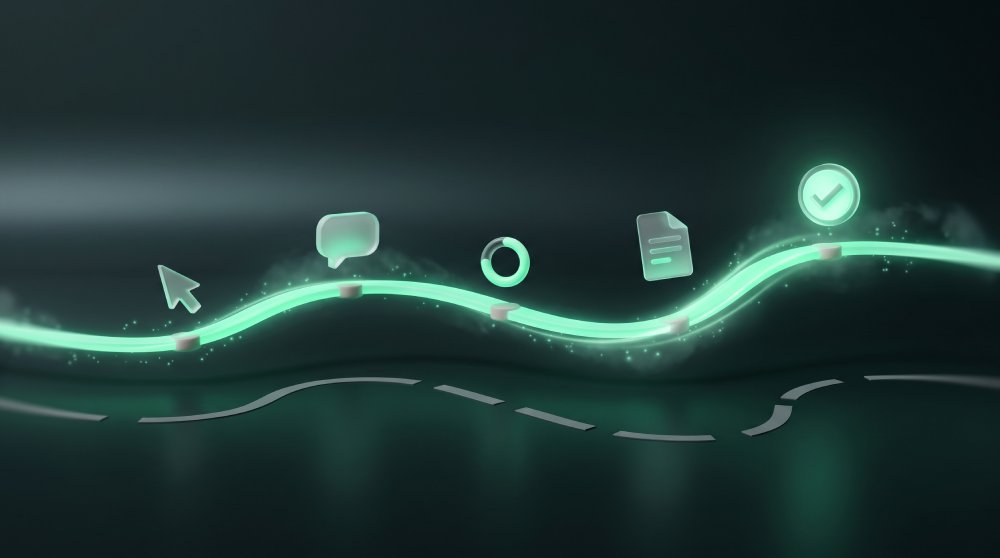
ad click → incoming chat → lead score → pipeline stage → quotation → won → commission
Marketing can prove which campaigns produce buyers. Sales can prove they follow up quickly. The monthly meeting goes back to discussing strategy, not assigning blame.
Make sure service quality scales with volume
A successful ad brings a surge of chats. A surge of chats often lowers answer quality. AI Audit in WhatsCRM Hub scores a batch of conversations against your service SOP, counts unanswered questions, and recommends improvements for your AI Agent — so your ad budget isn't wasted on conversations handled carelessly.
One inbox for every channel
Your ads might not only point to WhatsApp. WhatsCRM Hub brings WhatsApp (linked device or official API), Instagram, Messenger, Telegram, and website live chat into one inbox, with the same insights and reports. No need for five apps to serve one customer.
Why not a big CRM?
Searches for "salesforce alternatives" are rising sharply for a reason. Big CRMs are powerful, but they're built for teams that work through email and phone, and they come with significant cost and implementation time. In markets like Indonesia, Malaysia, the Middle East, and Brazil, selling happens on WhatsApp. The right CRM is one that lives there from day one.
Frequently asked questions
Do I need a developer to set up the Conversions API? No. Enter your Meta Pixel ID and access token in the link settings, and events are sent automatically from WhatsCRM Hub's server.
What if the visitor edits the opening message? Matching uses message similarity, not an exact match — so small edits are still detected.
Can agencies use this for multiple clients? Yes. Each business has separate data, and WhatsCRM Hub is also available for agencies that want to offer this solution under their own brand.
Connect your ads to the money that actually comes in. Set up the link generator, Meta Conversions API, and AI insights in WhatsCRM Hub — and let data, not arguments, decide next month's budget. See the solution for marketing managers →