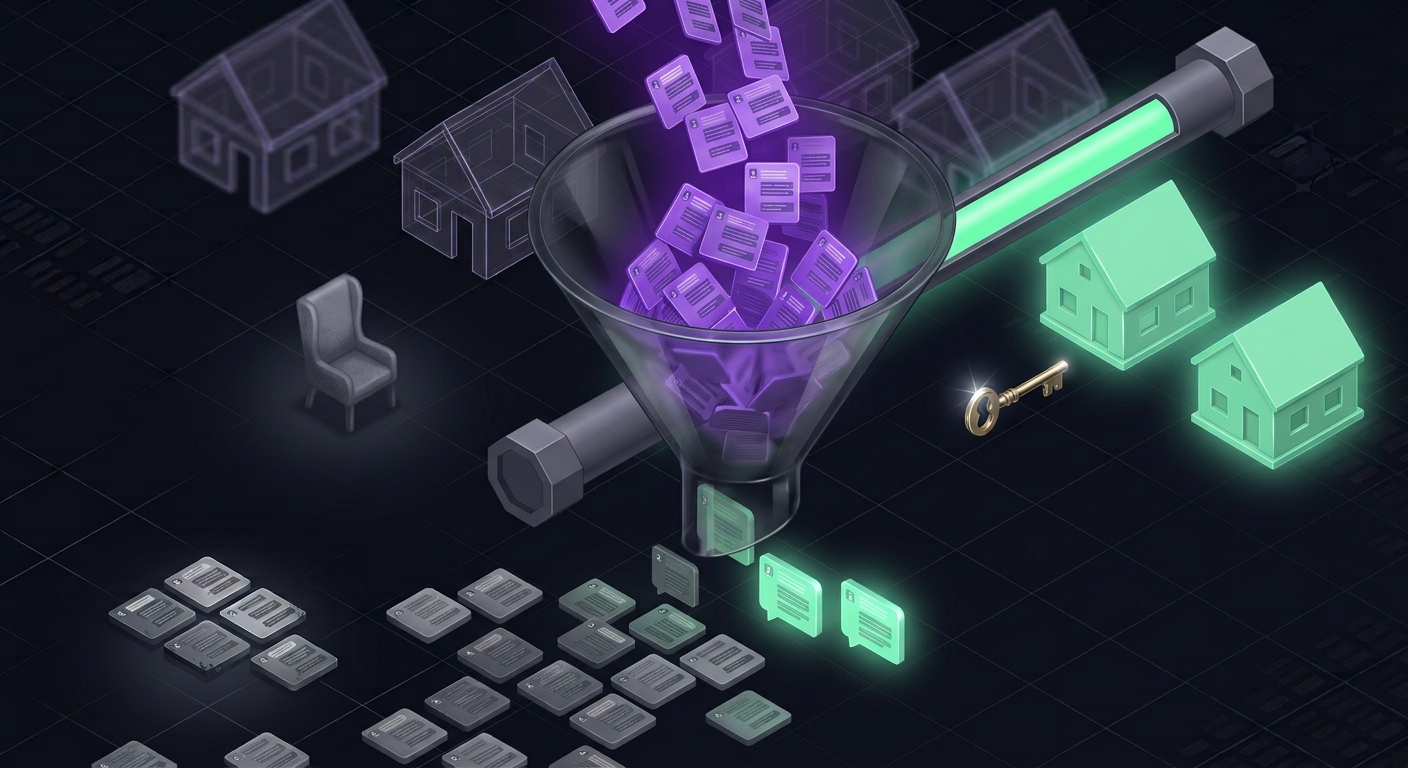
Ask your sales team: "How many prospects haven't we followed up with this week?"
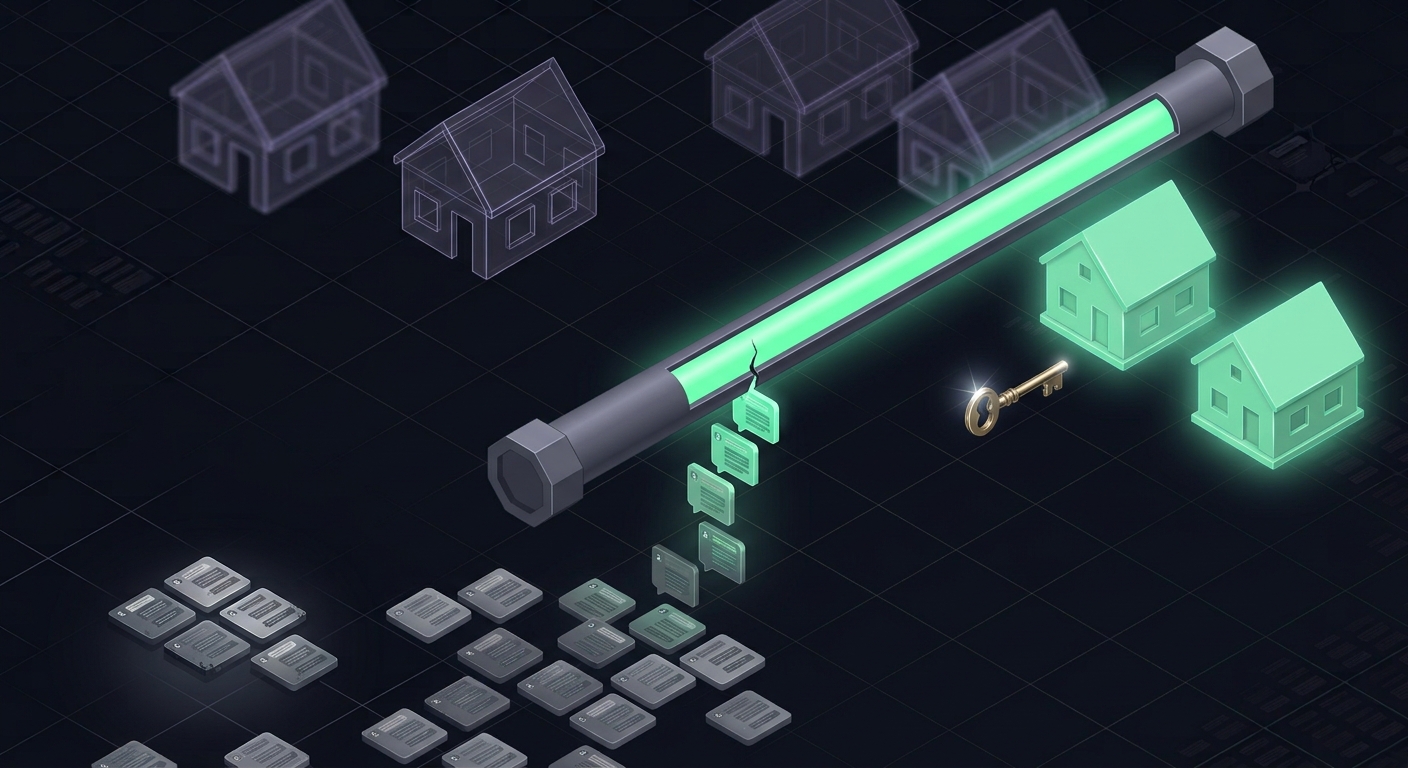
The answer will almost certainly be a guess. Not because they don't care — but because WhatsApp simply isn't built to answer that question. Old chats sink beneath new ones. What isn't on screen isn't remembered.
And that's where most sales are lost. Not in the first chat, but in the second, third, and fourth messages that were never sent.
The "AI for sales" wave everyone is searching for right now is really answering one simple need: memory. AI doesn't get tired, doesn't forget, and doesn't get buried under new chats.
Two kinds of silent chats, two different actions
"Stalled" chats actually come in two kinds, and treating them the same is a mistake:
- The customer is waiting for us. The last message is from the customer, unanswered. This isn't a dead deal — it's an abandoned one. It needs a reply, now.
- We're waiting for the customer. The last message is from your team, and the customer went quiet. This needs a follow-up, with a different approach depending on how long it's been.
The Customer Follow-up report: every silent chat, grouped by age
WhatsCRM Hub has a dedicated report called Customer Follow-up. It lists every stalled conversation, split into the two kinds above, then grouped by how long it has waited: today, a few days, weeks, months, and longer.
Why group by age? Because the right action differs:
| Age | The right action |
|---|---|
| Hours to days | Reply or follow up immediately — context is still fresh |
| Weeks | Follow up with something new: stock update, promo, an answer to their objection |
| Months | Re-engage — don't pretend the chat was yesterday |
| Years | A candidate for a reactivation broadcast, not a personal follow-up |
Every morning, a sales manager opens one page and knows exactly who needs a reply, who needs chasing, and who needs re-engaging. No more asking "did you follow up?" in meetings.
The Daily Chat report: incoming contacts not yet in a pipeline
Its companion is the daily Chat Report: every contact that came in on a given date, per platform (WhatsApp, Instagram, Messenger, Telegram, live chat), along with its pipeline status.
The most important column is the empty one. Contacts that came in but haven't been placed in any pipeline are work nobody has picked up. That one column often opens owners' eyes: "Of the 80 people who messaged yesterday, 30 haven't been touched by anyone."
Three ways to send follow-ups, depending on the need
The reports tell you who. The next step is sending — and WhatsCRM Hub gives you three paths:
1. Automatic AI follow-up
After the AI Agent replies for the first time, the system runs a follow-up sequence on delays you set. The content can be fixed text, or written by AI from the conversation — so the follow-up mentions the product they asked about, not a generic greeting. Before sending, the system re-checks: if your team has taken over or the customer has replied, the follow-up is cancelled.
2. Scheduled manual follow-up
A salesperson promised "I'll get back to you Thursday"? Schedule it straight from the chat. The message goes out automatically at the promised time — your own words or AI-assisted. Until it's sent, it can be edited or cancelled. Promises to customers no longer depend on memory.
3. Recurring follow-up broadcasts per segment
For follow-ups at scale — for example every contact labelled "asked for price" in a certain category — set up a follow-up broadcast to run once, daily, monthly, or yearly. Ideal for periodic service reminders, subscription renewals, or promos to customers who haven't reordered.
Measure speed, not just volume
The right follow-up is a fast one. WhatsCRM Hub calculates response time (SLA) per conversation honestly: if a customer sends 5 messages in a row, waiting time is measured from the first one — because that's how long they actually waited. Human replies and AI replies are also separated, so you see your team's real performance without AI numbers flattering it.
At team level, the Conversation Report shows average response time per agent and how it trends over time.
Results you can see in the first week
You don't need to wait a quarter to judge. Within 7 days you can compare:
- Chats "waiting for us" at the start vs the end of the week.
- Incoming contacts not yet in a pipeline per day.
- Average first response time of your human team.
If all three go down, the sales that were quietly leaking are being plugged — and you can see it, not just hear someone claim it.
Frequently asked questions
Won't automatic follow-ups feel like spam? They can, if they're generic and too frequent. That's why you set the delay sequence, follow-ups stop automatically when the customer replies or your team takes over, and AI mode writes messages relevant to the conversation.
Can the report be limited per salesperson? Yes. Salespeople without view-all permission only see their own conversations. Managers see the whole team.
We already have a CRM — why would we need this? Most CRMs rely on salespeople typing status updates by hand. WhatsCRM Hub's reports are read directly from conversations — there's nothing to fill in, so there's nothing to polish.
Stop losing deals because nobody chased them. Turn on the Customer Follow-up report and AI follow-ups in WhatsCRM Hub, and see how many prospects have been quietly slipping away. See the solution for sales managers →