Two paths that get confused
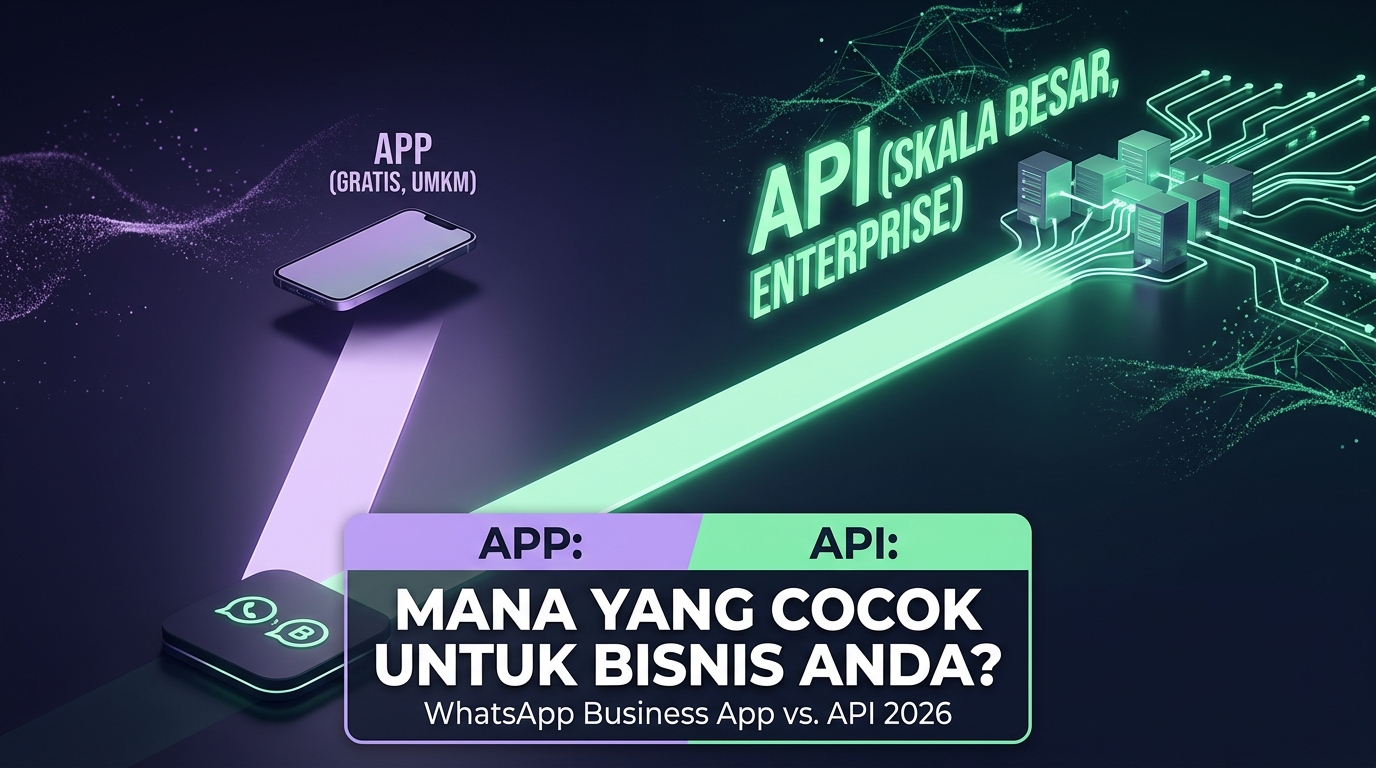
WhatsApp offers two distinct paths for businesses. The first is the WhatsApp Business app, a free phone application that works like regular WhatsApp with a catalogue, quick replies, and labels. The second is the WhatsApp Business API, a programmatic path with no built in interface that must be connected to a third party system or your own.
Selection errors happen in both directions. Small businesses buy API access when the free app is more than enough, while businesses with large teams stay on the free app until operations genuinely break.
Real limits of the Business app
- Limited devices. One number works on only a small number of devices at once, which breaks as soon as the team exceeds a few people.
- No conversation assignment. There is no way to route a chat to a specific agent, so duplicate replies are common.
- History lives on the device. Conversation data effectively belongs to the phone, not the company.
- Broadcasting is limited and risky. Broadcast lists only reach contacts who saved your number, and manual bulk sending increases restriction risk.
- No integrations. It cannot connect to order systems, CRMs, or automation without fragile workarounds.
What the API actually gives you
- Many agents on one number, with assignment and per agent history.
- Conversation data owned by the company, stored in your system, exportable and analysable.
- Official automation, including scheduled sends and triggers from other systems.
- Verified business profile, which improves trust in the first conversation.
- Messaging limits that can grow as number quality stays healthy.
In exchange, the API brings per message or per conversation cost, business verification, template requirements for messages outside the active window, and the need for a system to operate it.
Practical selection criteria
- How many people must reply from the same number? More than two or three at once already points to the API.
- Do you need automated notifications? Appointment reminders, order status, and billing are almost impossible to run reliably without it.
- Do conversations need to connect to other systems? If yes, the API is the only official path.
- How costly is losing customer history? If losing a number or phone means losing the customer base, that is a serious business risk.
Why unofficial routes are not a middle ground
Many tools offer automation without the official API by driving a normal WhatsApp session. Short term it looks cheaper and faster. The risk is real and asymmetric: permanent blocking, lost conversation history, and no appeal path. For a number that carries your main sales channel, one blocking event almost always costs more than a year of API fees.
A smooth migration path
- Do not move the main number first. Start with a second number for campaigns and notifications while the old app keeps running.
- Prepare templates early, since approval takes time.
- Understand that old history does not migrate. Plan how existing customer context is carried over, at minimum as contact notes.
- Train the team on the new flow before switching, because working in a shared inbox differs from working on individual phones.
Frequently asked questions
Can a number already used in the app be moved to the API?
Generally yes, through a migration that disables that number in the app. Make sure the receiving system is ready before starting.
Do customers notice the difference?
From the customer side the conversation looks the same. What changes is reply speed and service consistency.
Is the app always better for small businesses?
Not always. Small businesses needing automated notifications, such as clinics or shops with deliveries, often benefit from the API despite a small team.
Next step
Answer the four selection questions honestly. If two or more point to the API, start with a single use case rather than a full migration. See how to operate it at WhatsCRM Hub.