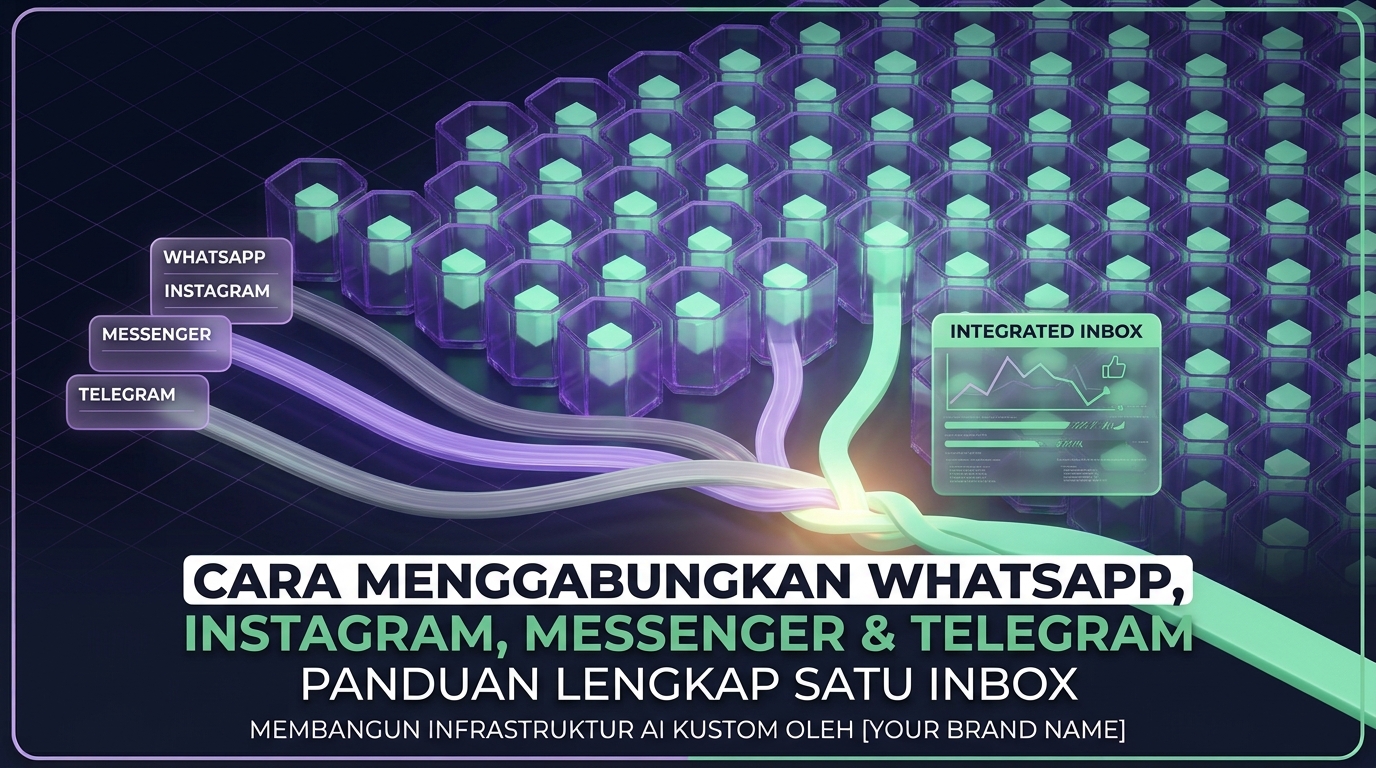
The hidden cost of app switching
A support team covering four channels usually opens four different apps. Each switch costs time, and the more expensive loss is context. A customer who asked on Instagram and continued on WhatsApp gets treated as a new person and has to repeat the story.
Beyond poor customer experience, this makes measurement impossible. Nobody can answer how many conversations happened this month, because the number sits in four places with four definitions.
Channel differences you must understand
- Reply windows. Some channels restrict free form messages after a period since the customer last wrote. Afterwards only certain message formats are allowed.
- Supported media. File size, document formats, and button support differ by channel.
- Customer identity. Social channels usually provide account based identity rather than a phone number, so identity merging needs its own rules.
- Rate limits. Each channel has its own, and ignoring them causes silent delivery failures.
Merging customer identity across channels
- Automatic matching on phone number when the customer provided it on any channel.
- Manual merging by agents when it is clear two conversations belong to the same person.
- Combined history on the contact card, so agents see all cross channel interaction even when threads stay separate.
Avoid automatic merging by name. Identical names are common and a wrong merge leaks data between customers.
Operating rules for a shared inbox
- One conversation, one active owner. Without this, two agents answer differently to the same customer.
- Use few clear statuses such as new, in progress, waiting on customer, and done.
- Prioritise channels when needed. Channels with short reply windows should be handled first.
- Keep internal notes separate from customer messages and make accidental sending impossible.
- Set escalation rules so overdue conversations rise to a supervisor automatically.
What to prepare before integrating
- Official business accounts on each channel, since personal accounts usually cannot be integrated.
- Administrator access on the relevant pages or business accounts.
- A data retention policy, because after integration you will store a large volume of conversations.
- Team roles and permissions, especially who may see all channels and who is restricted.
- An outage plan. If one channel disconnects, the team must know what happened and what to do.
Metrics only possible after unification
- Total conversation volume across channels under one definition.
- Response time per channel, which often reveals one neglected channel.
- Source channel per transaction, useful for directing marketing budget.
- Channel switching per customer, which explains real customer behaviour.
Frequently asked questions
Do customers know we use a unified inbox?
No. From their side the conversation stays in their chosen app and looks normal.
What if one channel is far busier?
That is normal. Assign by workload rather than by channel so agents on quiet channels help busy ones.
Does old history from each channel come across?
Usually only conversations from integration onward. Record important context for existing customers manually on the contact card when you start.
Is adding channels always beneficial?
No. An unanswered channel is worse than a channel you never opened. Add one only if the team can handle it.
Next step
Start with the two channels your customers use most, run one month, then add a third once the workflow is stable. See the multi channel inbox at WhatsCRM Hub.