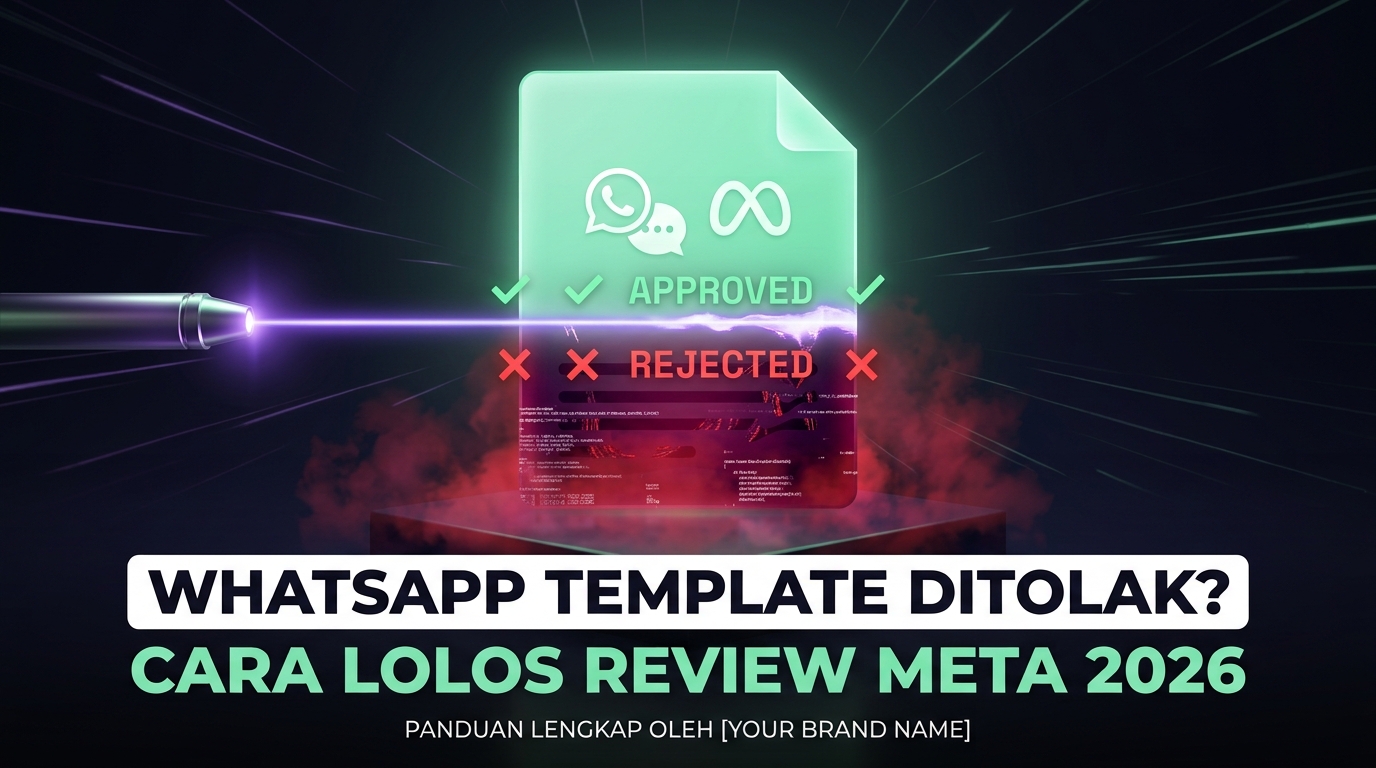
Why a rejected template stops several things at once
On the WhatsApp Business API, messages sent outside an active conversation window must use an approved template. One rejected template can therefore halt appointment reminders, order notifications, or an entire follow-up campaign.
Because review is automated in most cases, rejections often feel opaque. In practice most rejections come from a small set of repeating patterns.
The most frequent rejection causes
- Variables without context. Templates that are almost entirely placeholders, for example starting straight with a variable, are hard to assess and often rejected. Always surround variables with enough fixed text.
- Category mismatch. Sending promotional content registered under a utility category is one of the most common causes and is repeatedly corrected or rejected by reviewers.
- Formatting errors. Non sequential variable numbering, wrong brackets, double spaces, or adjacent variables with no separating text.
- Content resembling a scam. Prize promises, income claims, or requests for sensitive data such as passwords and card numbers.
- Prohibited content, including product categories tightly regulated in many countries.
- Language mismatch, where the declared language differs from the actual content.
Fixing a rejected template
- Read the rejection reason before changing anything. Resubmitting with cosmetic edits only builds a rejection history.
- Add fixed text around variables so a reviewer understands the intent without knowing variable contents.
- Lower the promotional tone for utility templates, or resubmit under the correct category.
- Remove trigger wording such as guaranteed results, excessive use of free, or repeated exclamation marks.
- Change one thing per submission. If you change five things and it passes, you learned nothing for the next template.
Writing templates that tend to pass
- Name the business early. It helps reviewers and lowers user block rates.
- State why the message is being sent, for instance referencing a previous order.
- One purpose per template. Templates combining a reminder, a promotion, and a survey are hard to assess.
- Provide an opt out on promotional templates, which reduces spam reports affecting number quality.
Number quality and messaging limits
Template approval is only half the story. The other half is your number quality, driven by how often users block or report your messages. Falling quality reduces the number of unique users you can message per day.
- Message only genuinely opted in contacts. Importing purchased lists is the fastest way to damage a business number.
- Stay relevant. Contextually appropriate messages are reported far less.
- Limit frequency. A few promotional messages per month is the tolerance ceiling for many users.
- Mind send times. Late night messages raise spam reports significantly.
- Clean lists periodically. Numbers that never open or respond should leave routine campaigns.
Frequently asked questions
How long does template review take?
Most are processed automatically in a short time, though some enter a longer manual queue. Prepare campaign templates well before launch date.
Can an approved template be rejected later?
Yes. Templates generating many user reports can be disabled even after approval. Delivery quality is monitored continuously, not only at registration.
What is the difference between utility, authentication, and marketing categories?
Utility covers messages about an existing transaction, authentication covers verification codes, and marketing covers promotion. Category affects cost and rules, so getting it right early saves a lot of time.
Is an unofficial route safer to avoid templates entirely?
No. Unofficial routes skip review but put your number and your entire customer base at risk of permanent blocking with no recovery path.
Next step
Audit all active templates, group them by category, and ensure each has a single purpose. See template and campaign management at WhatsCRM Hub.